Overview
Chat commands help you coordinate with friends, towns, and staff without cluttering global chat.
Quick Steps
- Use private messages for trade and build coordination.
- Switch channels when discussing town or team plans.
- Use mentions responsibly to keep channels readable.
- Report abusive chat quickly with evidence.
Useful Commands
| Command | Description |
|---|---|
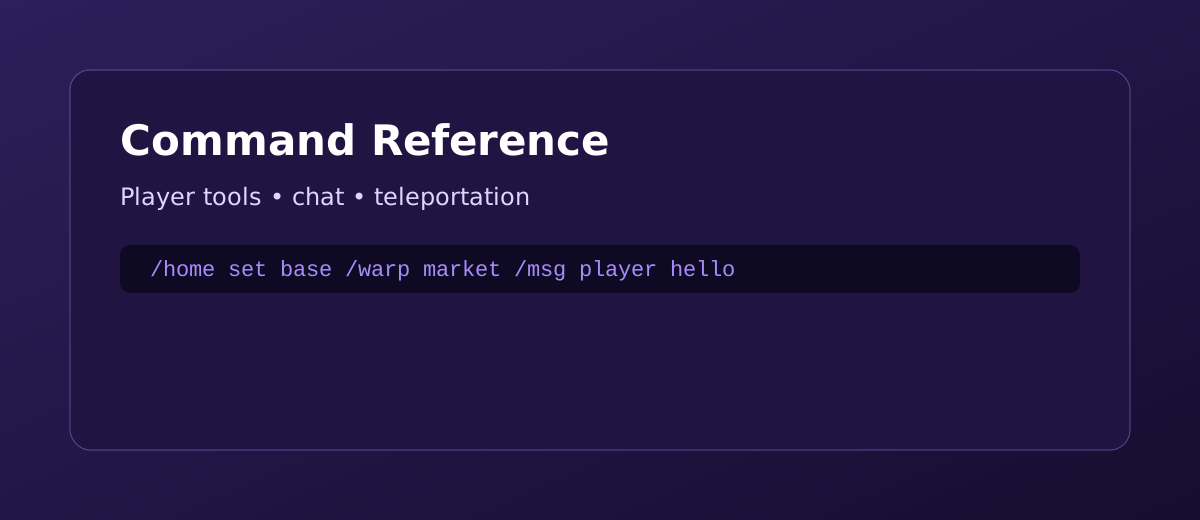
/msg <player> | Send a private message. |
/r <message> | Reply to your last private message. |
/ignore <player> | Mute messages from a player. |
Final Notes
- Take your time and learn one system at a time.
- Join Discord announcements for updates and balance changes.
- Use the wiki as your quick reference whenever you get stuck.
Pro Tip: Clear, concise chat makes it easier for others to help you quickly.